Created by Jerry Wang on Feb 06, 2014
(1) Click Hyperlink “Workflow document”:
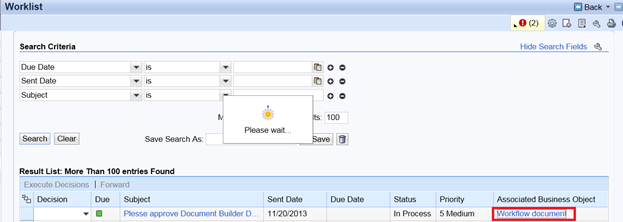
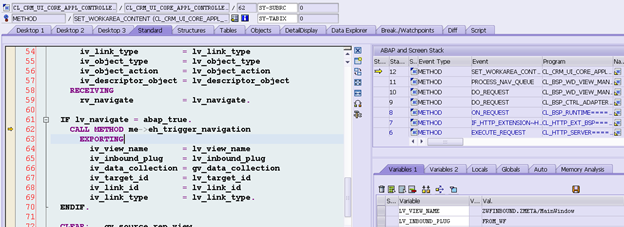
The following method is called to handle the navigation.
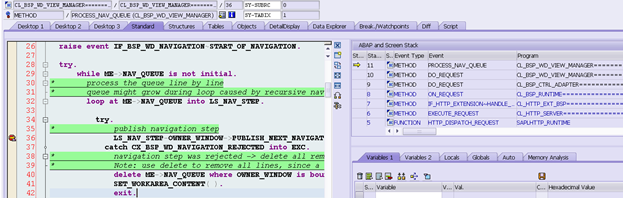
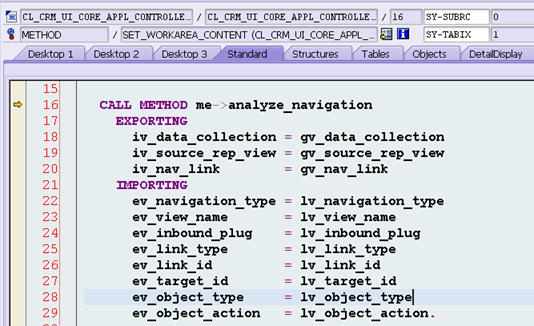
Step into method SET_WORKAREA_CONTENT. (2) Inside method SET_WORKAREA_CONTENT, there is a method analyze_navigation: The information of navigation target is contained in the importing parameters.
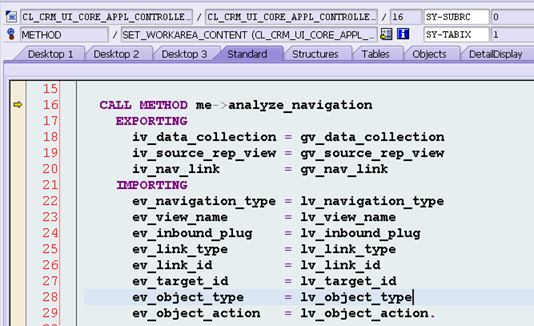
(3) Inside method SET_WORKAREA_CONTENT, there is a method analyze_navigation: The information of navigation target is contained in the importing parameters.
Inside method analyze_navigation,
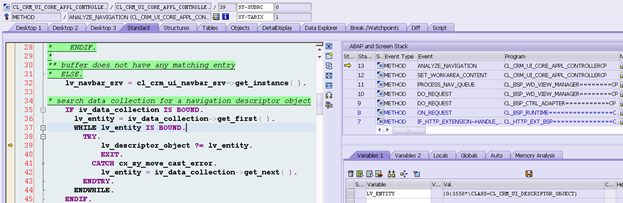
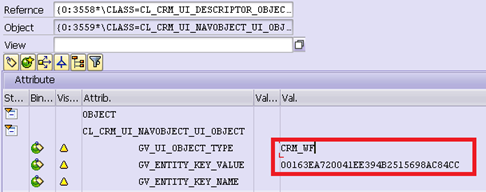
The navigation descriptor object is got from lv_entity: The variable GV_UI_OBJECT_TYPE contains the ui object type for navigation target:
The descriptor object lv_descriptor_object is used to get the navigation target:
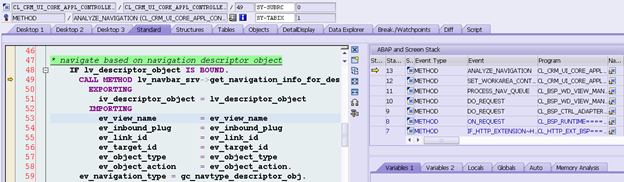
Target ID: ZWFINBOUND
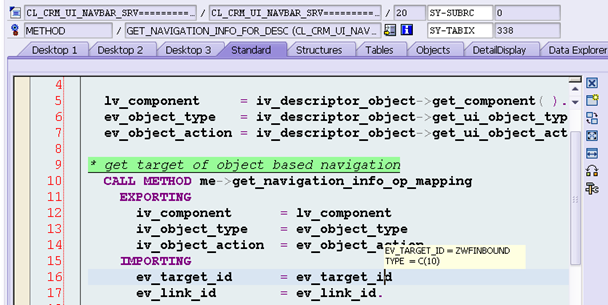
Regarding how to configure the target ID ZWFINBOUND, please refer to this blog. After method get_navigation_info_for_target is called, the target UI component view and inbound plug is determined.
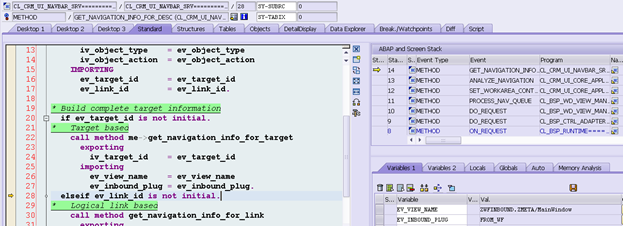
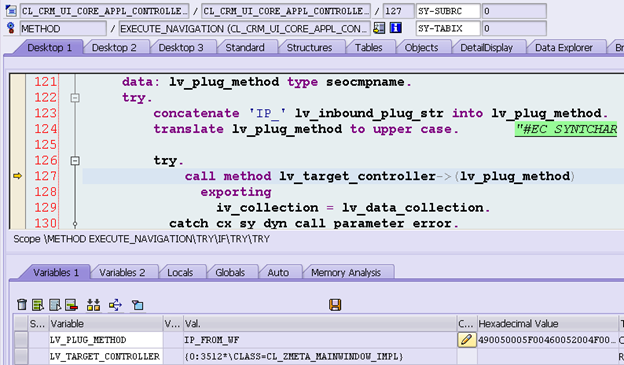
(4) The inbound plug of determined target UI component view will be called by UI framework:
要获取更多Jerry的原创文章,请关注公众号"汪子熙":