When I am creating unit test for one of my Java project A, I try to have a look at the source code of this annotation:

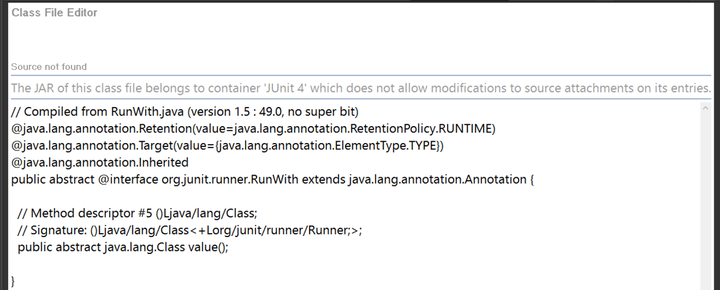
Once I press Ctrl and click, I see this message below. The “Attach Source” button is not there.
However I tried another project B in my laptop, it works:
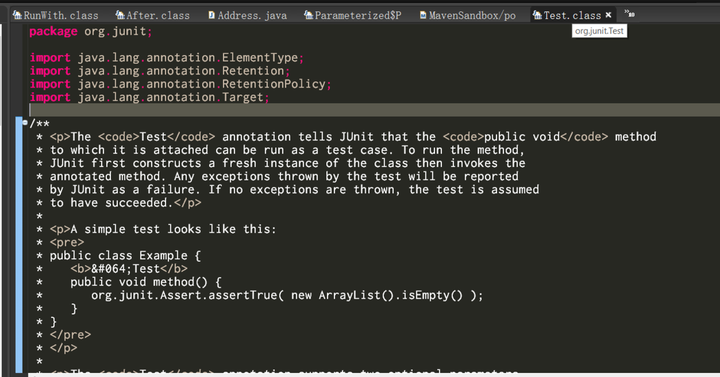
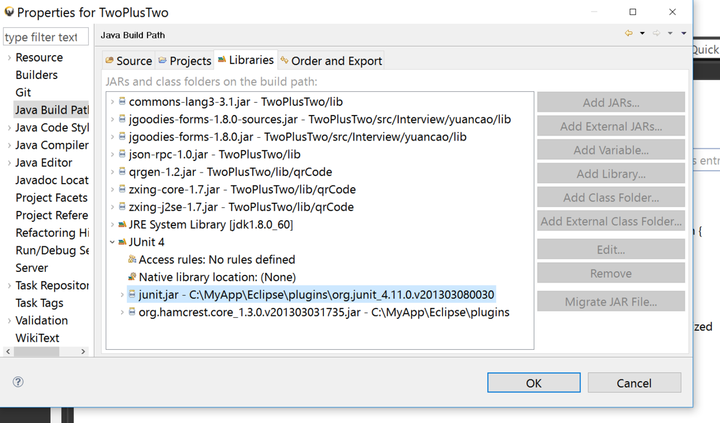
This is strange. Then I compare the build path of two projects and find the reason. For project A, it uses Eclipse embedded JUnit:
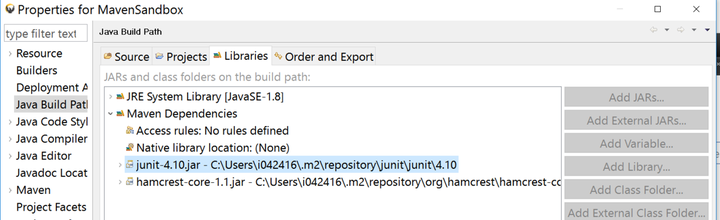
While for project B, the JUnit managed by Maven is used.
So the easiest approach for project A is to also switch to the external JUnit instead of Eclipse embedded one, so that developers have full control on both binary code and source code.
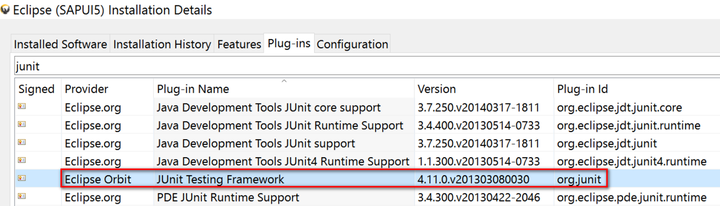
In Eclipse installation folder there is a folder plugin, within it there is an about.html,
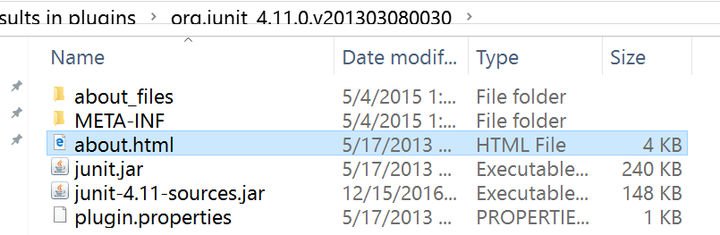
the binary file and source code could be downloaded from url mentioned.

After that, go to project A,
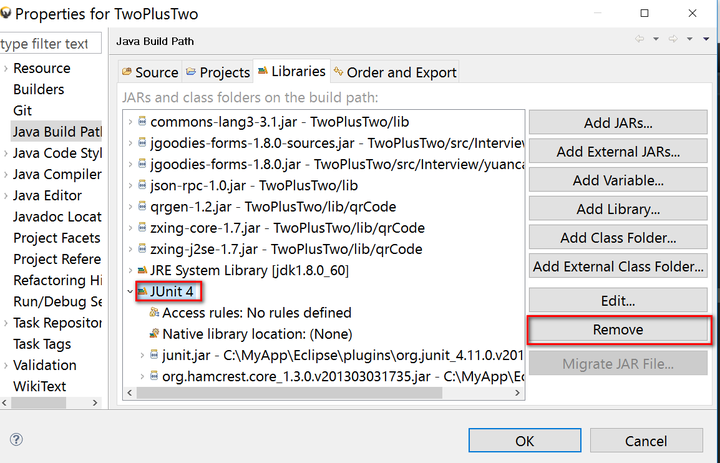
replace with:
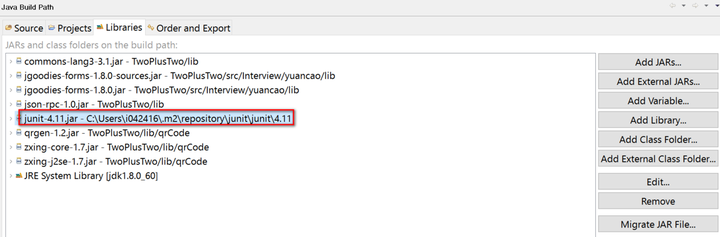
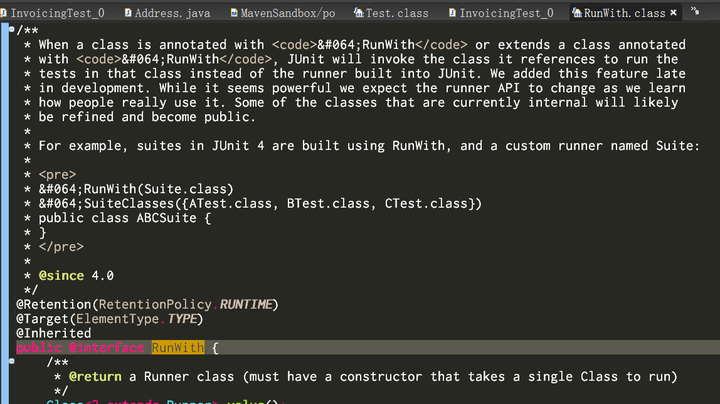
Now the source code for JUnit is also available for project A:
要获取更多Jerry的原创文章,请关注公众号"汪子熙":