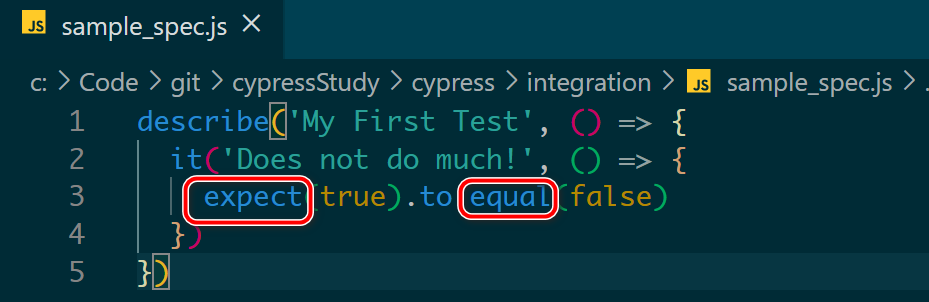
如下图所示,把鼠标 hover 在 Visual Studio Code 里打开的 Cypress 代码时:
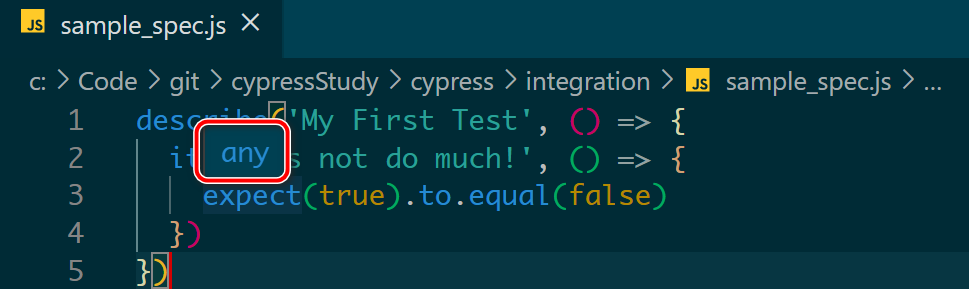
只会显示 “any”的 popover 对话框出来:
在文件头加上下列这段注释之后:
///
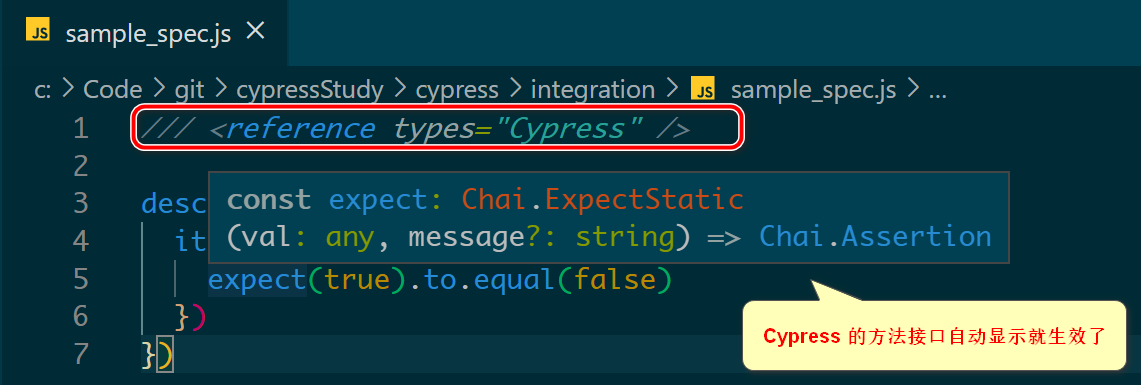
代码自动补全也生效了:

i042416
2021-04-20 11:59:21如下图所示,把鼠标 hover 在 Visual Studio Code 里打开的 Cypress 代码时:
只会显示 “any”的 popover 对话框出来:
在文件头加上下列这段注释之后:
///
代码自动补全也生效了: