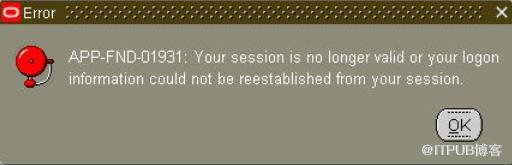
使用IE9或者IE8打开Oracle EBS 11i报错"APP-FND-01931 : your session is no longer valid or your logon information could not be reestablished from your session."
或者
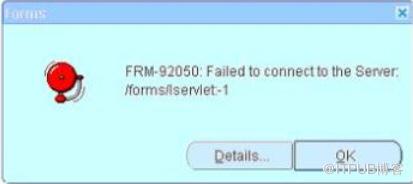
使用IE9或者IE8打开Oracle EBS R12报错:“FRM-92050: Failed to connect to the Server /forms/servlet -1”
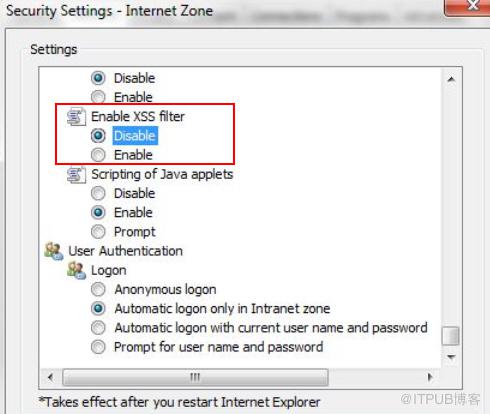
解决方法:
1.Open Internet Explorer
2.Tools Internet Options
3.Select "Security" tab
4.Select "Custom Level" button
5.Scroll down and find "Enable XSS filter" under "Scripting". If it is "Enabled", change it to "Disable"
6.Click OK, Apply, OK
7.Restart the IE,and re-try the problem.