安装SAP EP on SLES 11


    查看操作系统版本 SUSE linux enterprise Server 11 

    clip_image001


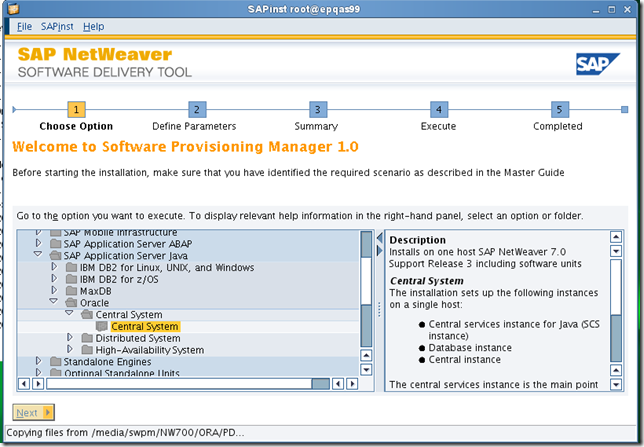
    开始安装

    clip_image003


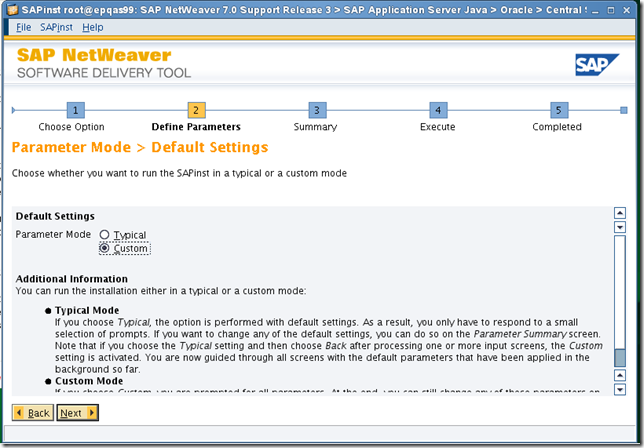
    选择custom

    clip_image004


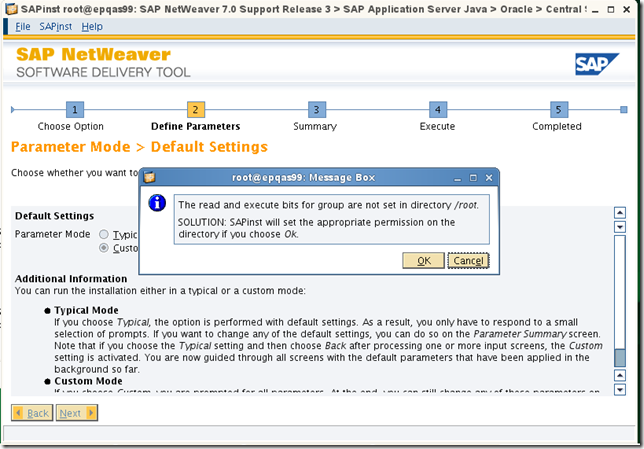
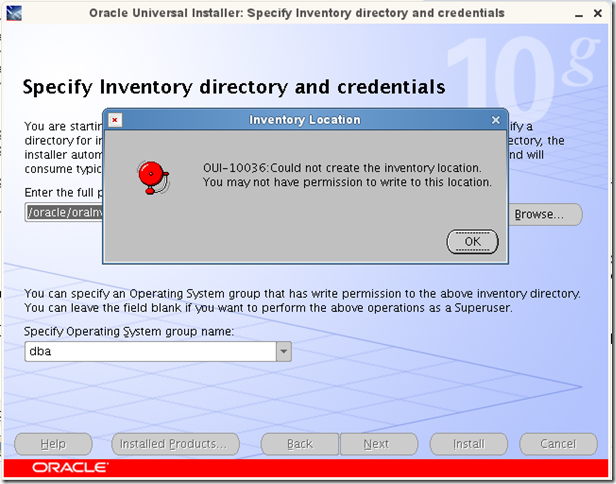
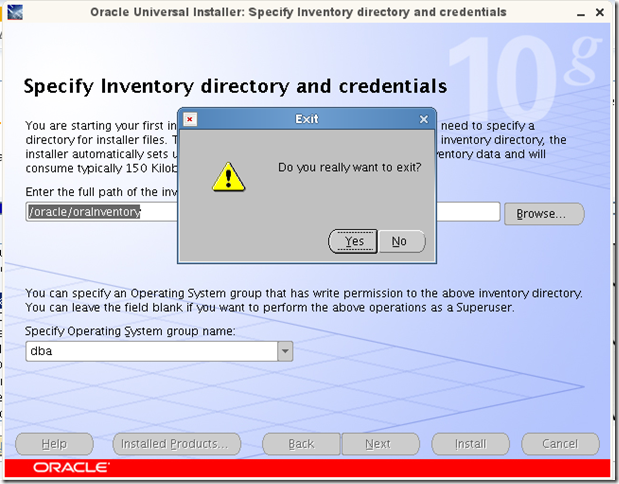
    报错权限问题,修改相应目录权限

    clip_image005


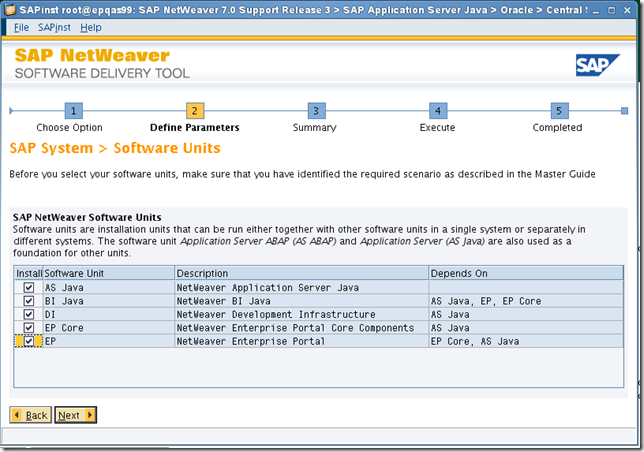
    安装EP选择AS java、EP Core  、EP即可,本例中此处全部选择了
    clip_image022


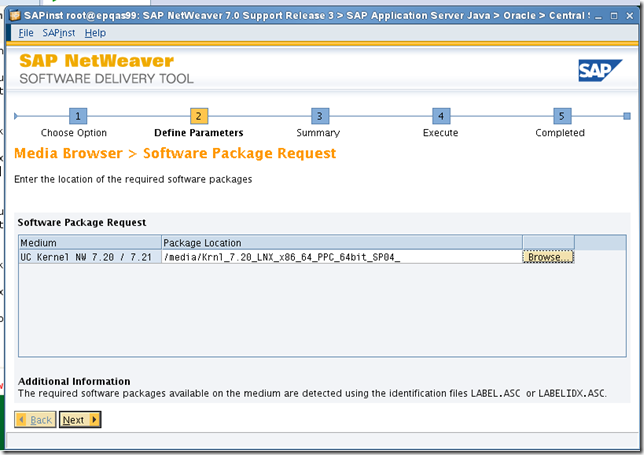
    选择UC kernel

    clip_image008


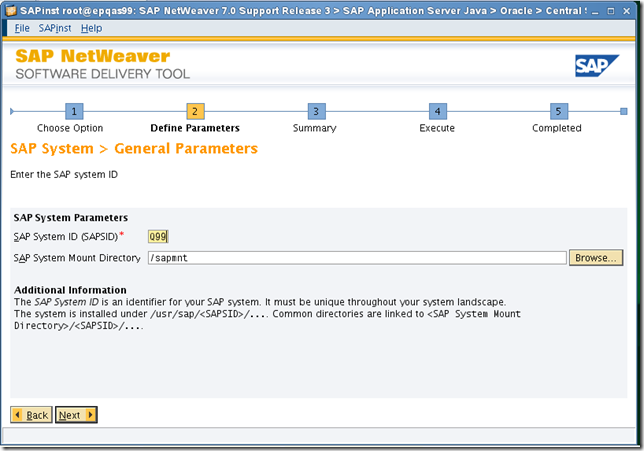
    填写sap  SID

    clip_image009


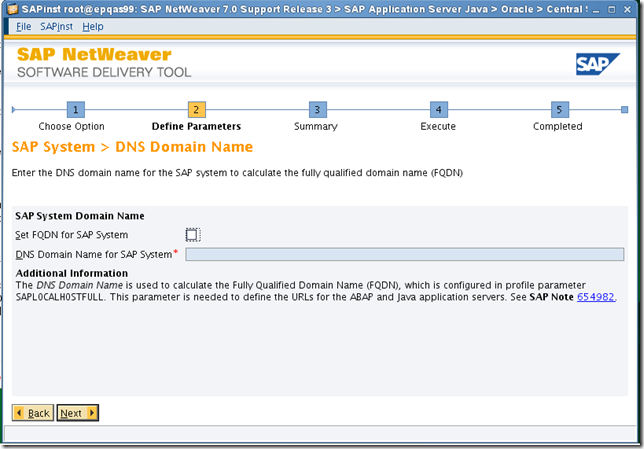
    不使用domain name

    clip_image010


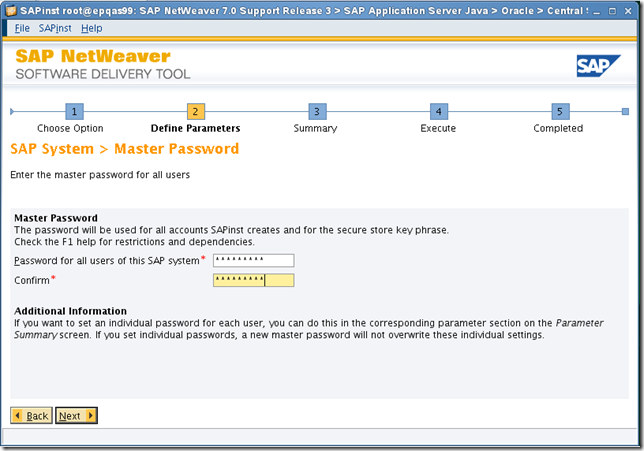
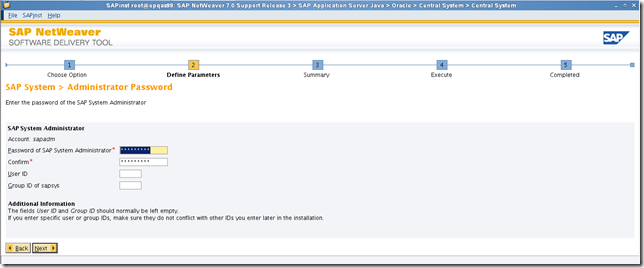
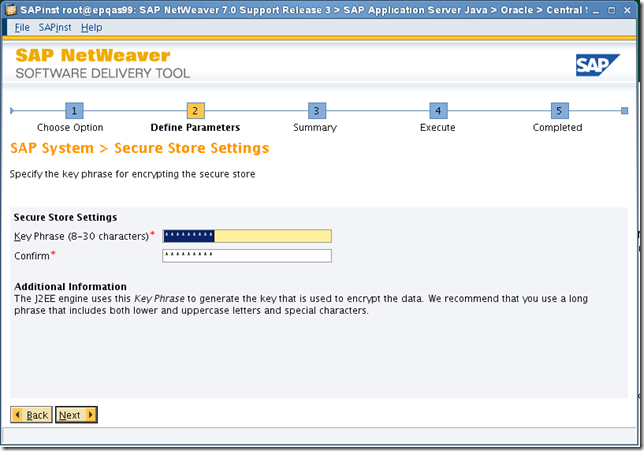
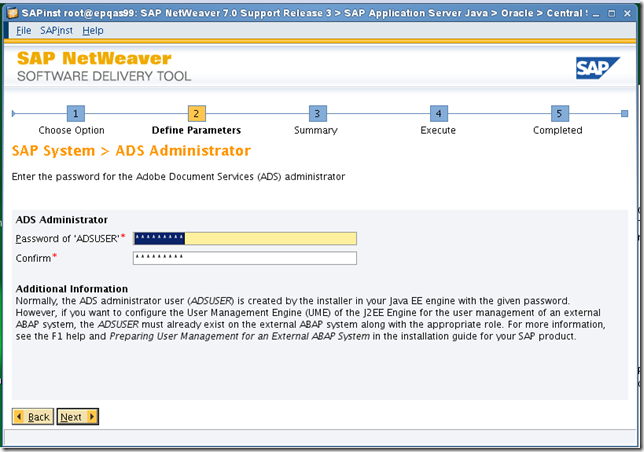
    填写master 密码

    clip_image011


    默认即可

    clip_image012


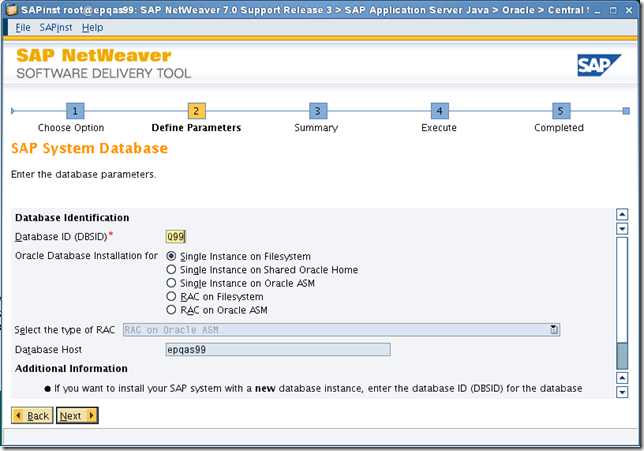
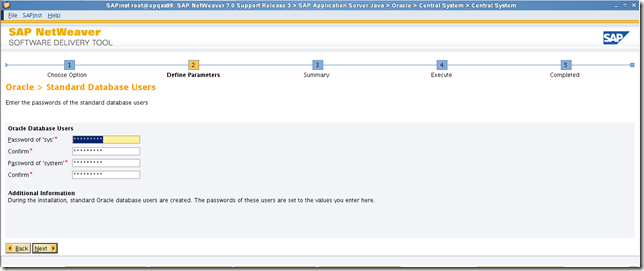
    填写database  SID

    clip_image013


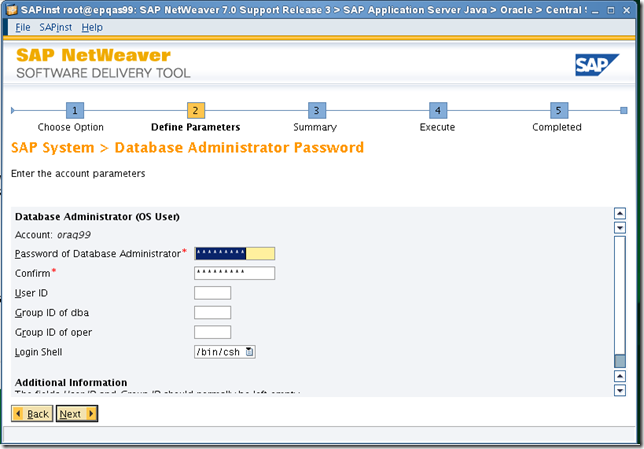
    默认即可

    clip_image014


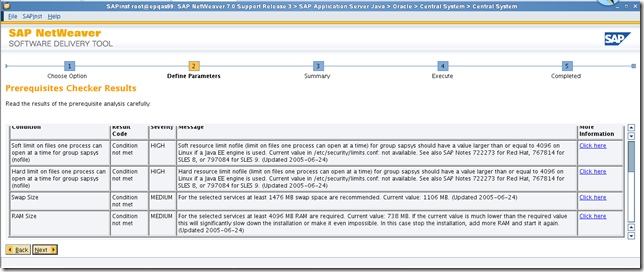
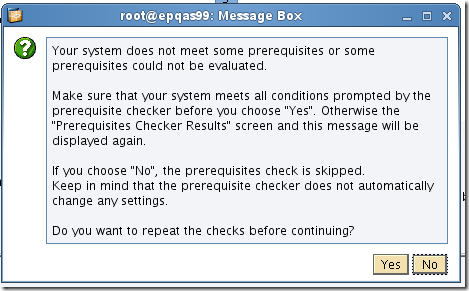
    检查结果如下,limit问题暂无影响,继续

    clip_image015


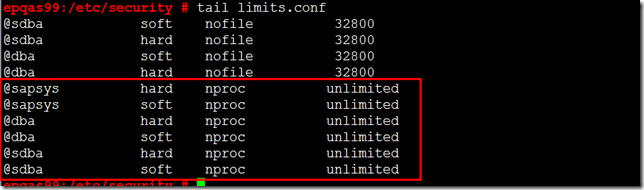
    修改limits.conf为如下

    clip_image085

    clip_image016


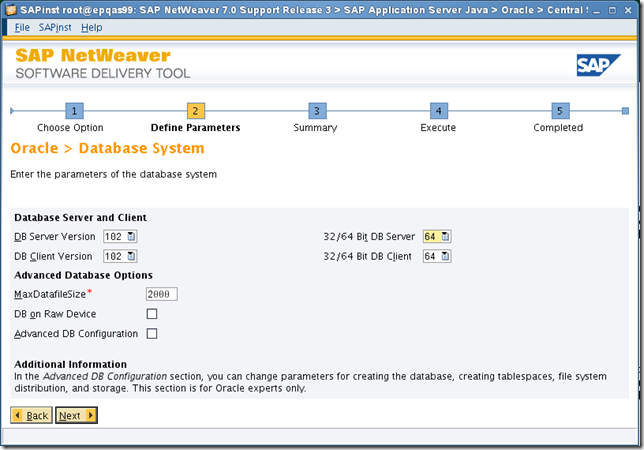
    默认即可

    clip_image017


    继续

    clip_image018


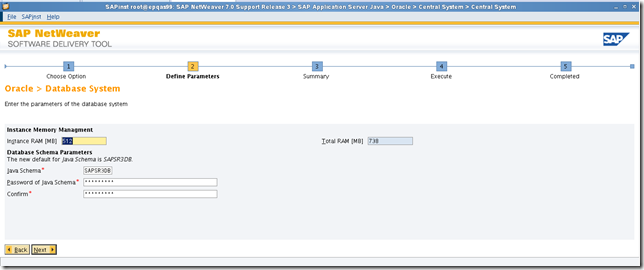
    改为数据库10G

    clip_image023


    继续

    clip_image020


    clip_image021


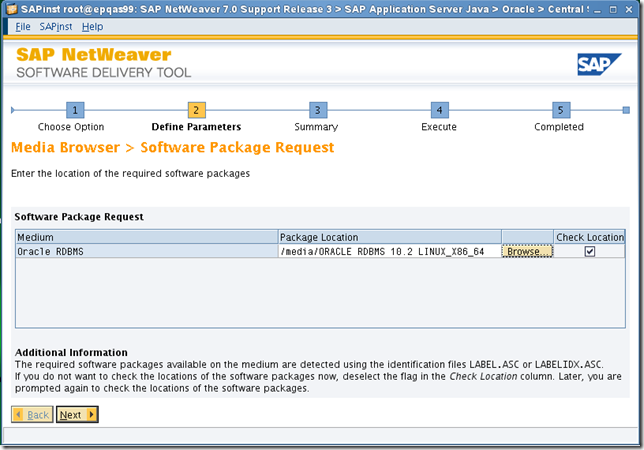
    选择数据库介质位置

    clip_image024


    默认即可

    clip_image025


    下一步

    clip_image026


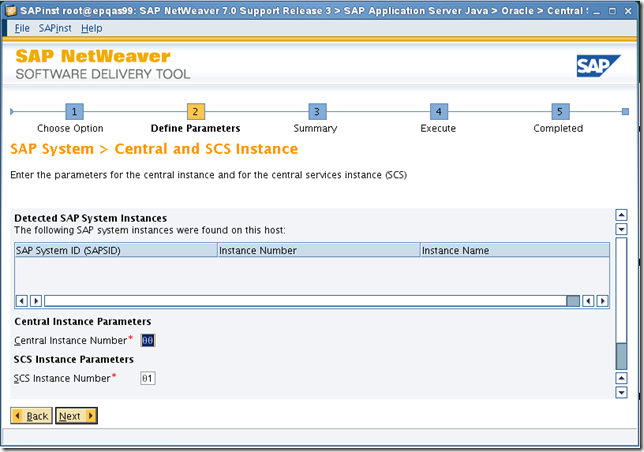
    默认

    clip_image027


    默认

    clip_image028


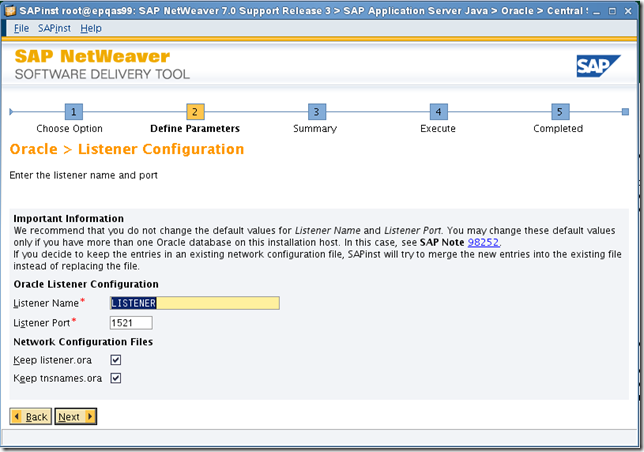
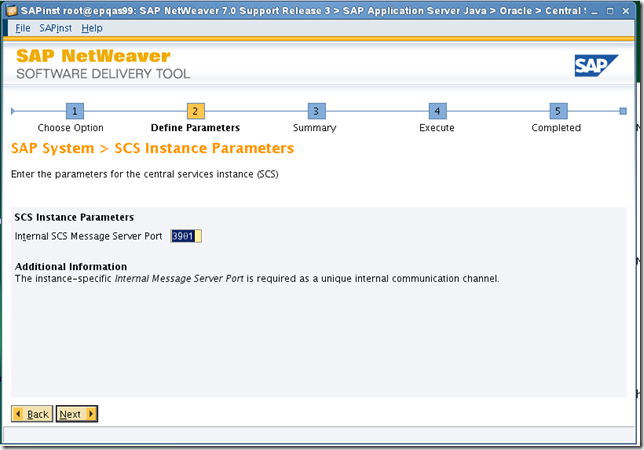
    默认端口3901

    clip_image029


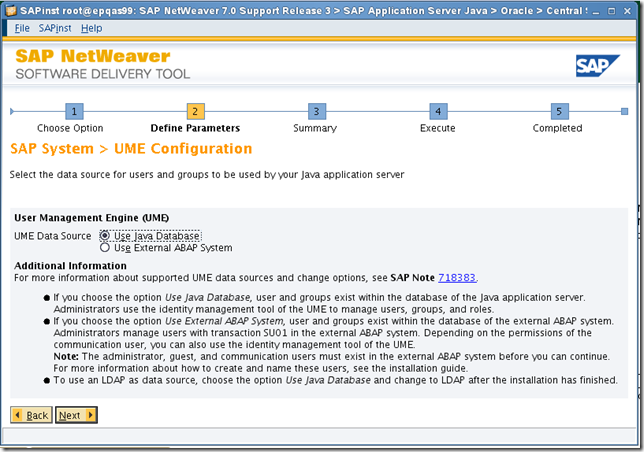
    UME使用EP本身

    clip_image030


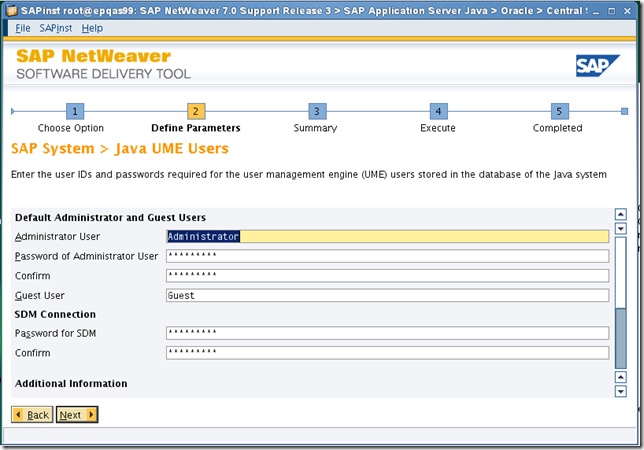
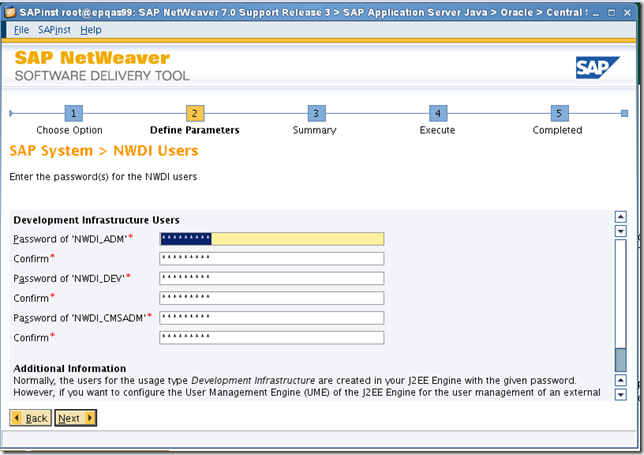
    默认,密码同master

    clip_image031


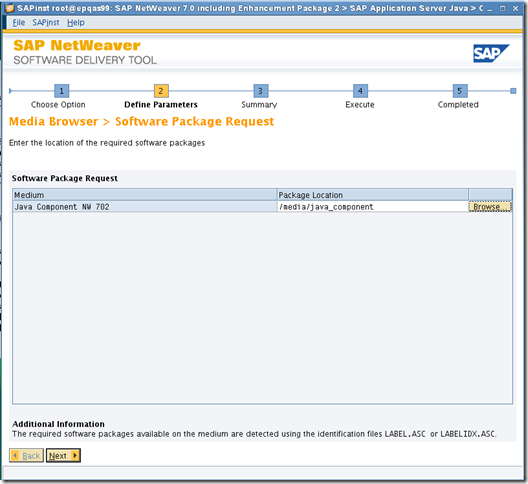
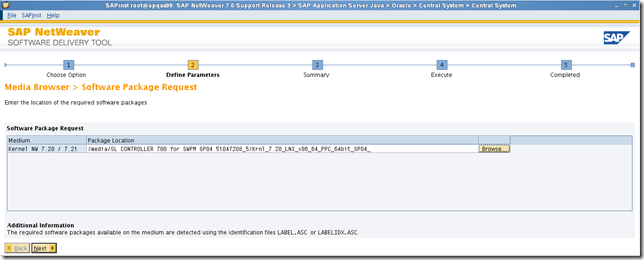
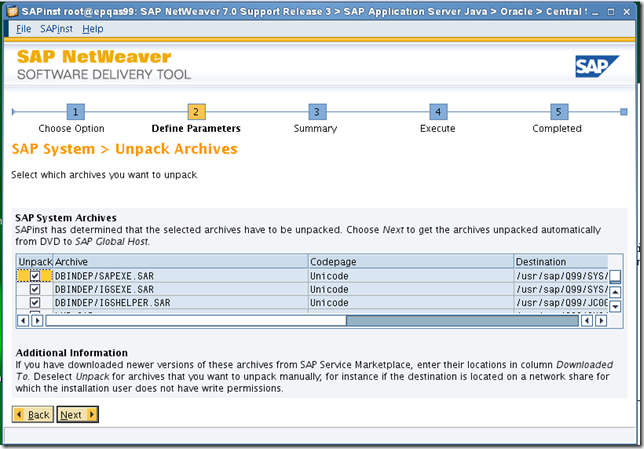
    选择kernel位置

    clip_image032


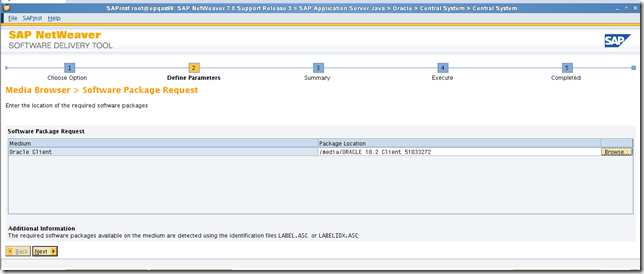
    选择oracle client介质

    clip_image033


    下一步

    clip_image034


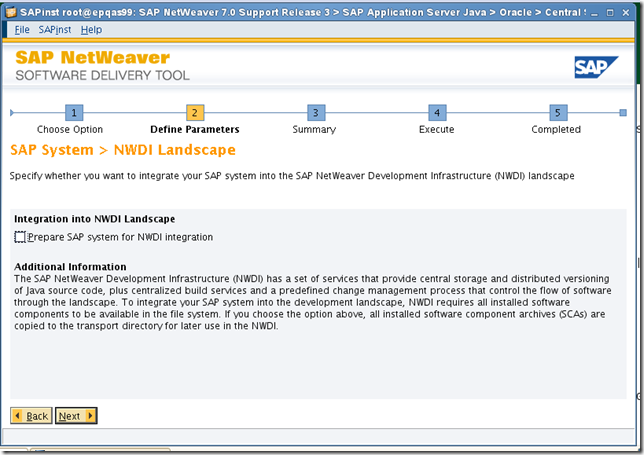
    不选择landscape

    clip_image035


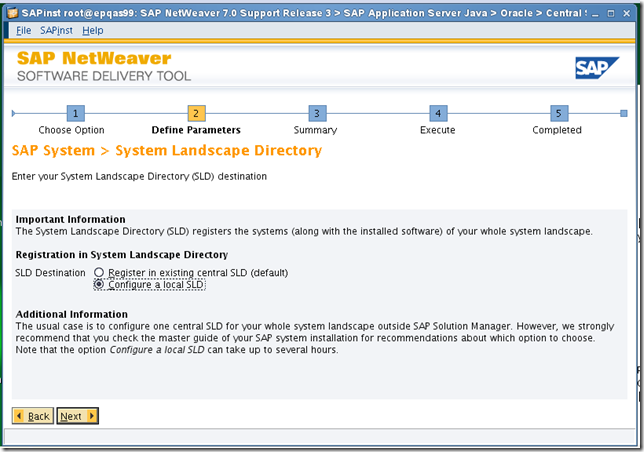
    使用本地的

    clip_image036


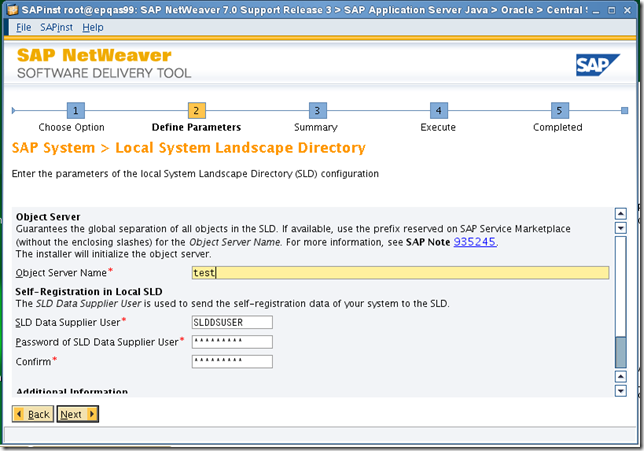
    起一个名字 test

    clip_image037


    同master

    clip_image038


    默认

    clip_image039


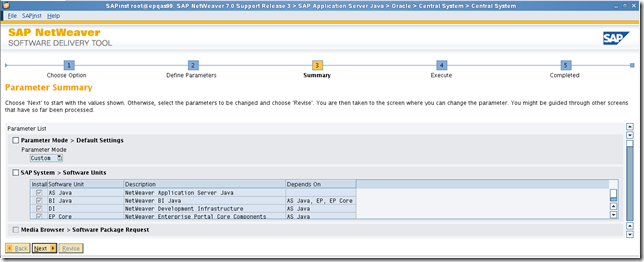
    查看summary,如有需要改的进行修改

    clip_image040


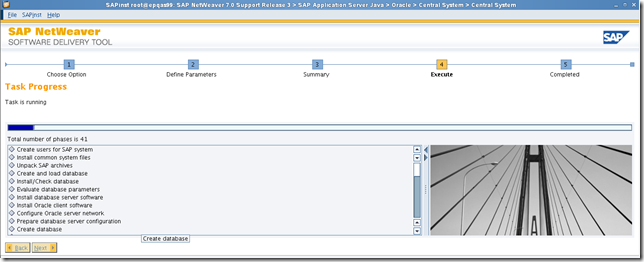
    安装开始

    clip_image041


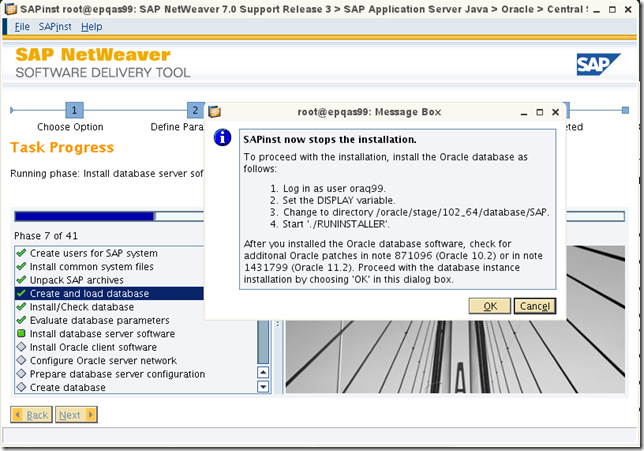
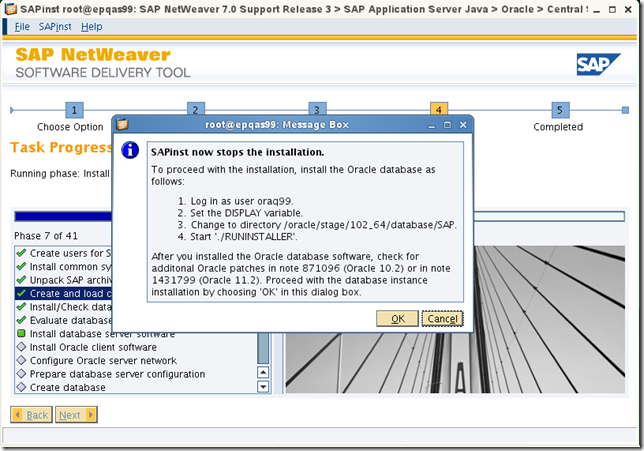
    需要先安装database软件

    clip_image042


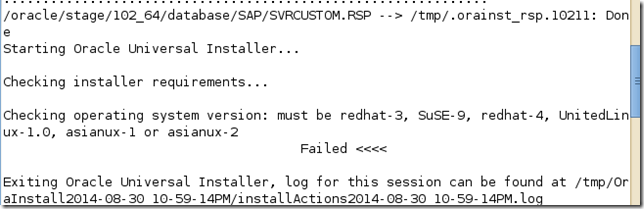
    安装报错,

    clip_image043


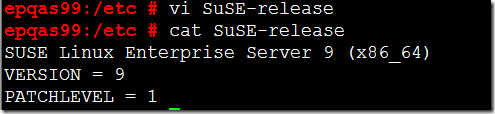
    修改版本文件,修改后如下,安装完成后可以修改回11

    clip_image044


    SLES 11 安装 oracle 10g 还需要检查包安装情况,如没有安装一一安装

    The following (or later versions) are the list of packages for SUSE Linux Enterprise Server 11:

    binutils-2.19
    gcc-4.3
    gcc-32bit-4.3
    gcc-c++-4.3
    glibc-2.9
    glibc-32bit-2.9
    glibc-devel-2.9
    glibc-devel-32bit-2.9
    libaioksh-93t
    -0.3.104
    libaio-32bit-0.3.104
    libaio-devel-0.3.104
    libaio-devel-32bit-0.3.104
    libstdc++33-3.3.3
    libstdc++33-32bit-3.3.3
    libstdc++43-4.3.3_20081022
    libstdc++43-32bit-4.3.3_20081022
    libstdc++43-devel-4.3.3_20081022
    libstdc++43-devel-32bit-4.3.3_20081022
    libgcc43-4.3.3_20081022
    libstdc++-devel-4.3
    make-3.81
    sysstat-8.1.5
     

    clip_image046


    clip_image047


    clip_image048


    clip_image049


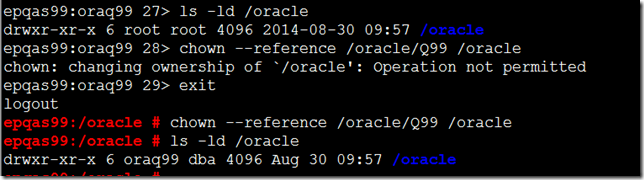
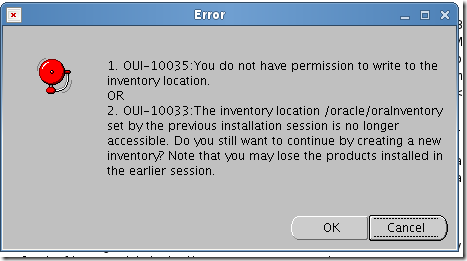
    /oracle目录权限不对导致,修改权限如下图

    clip_image050


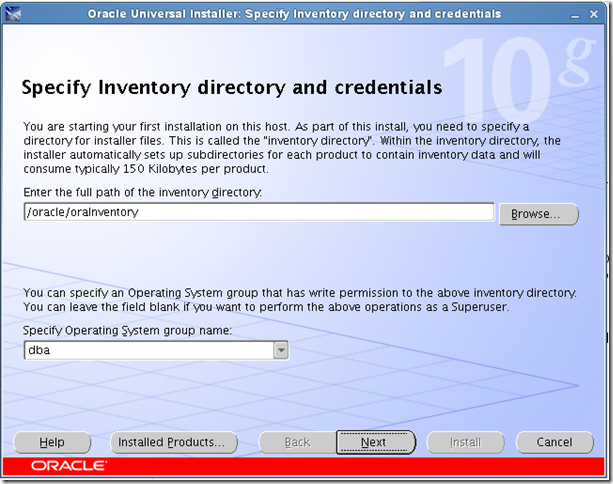
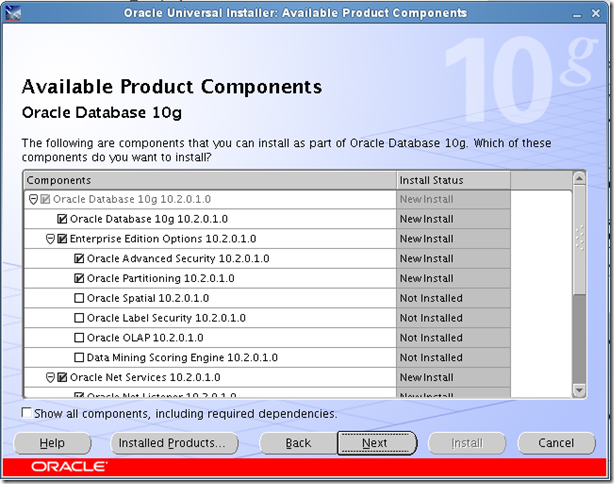
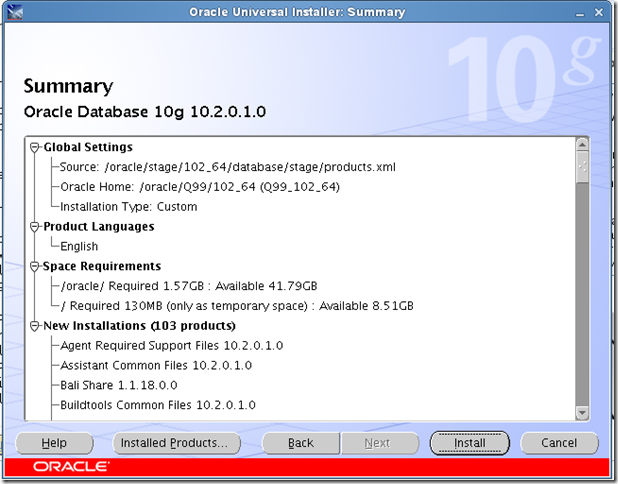
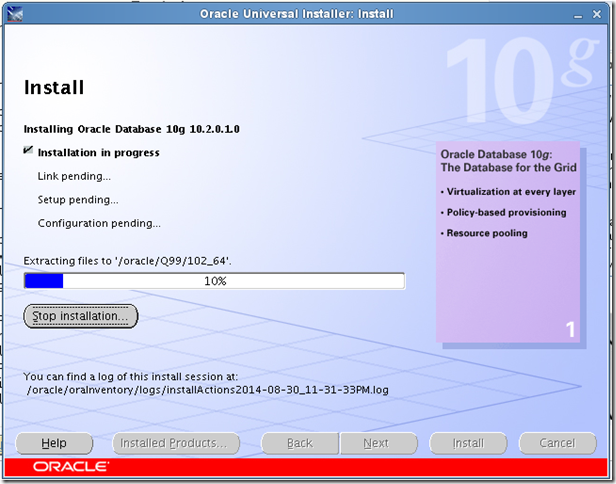
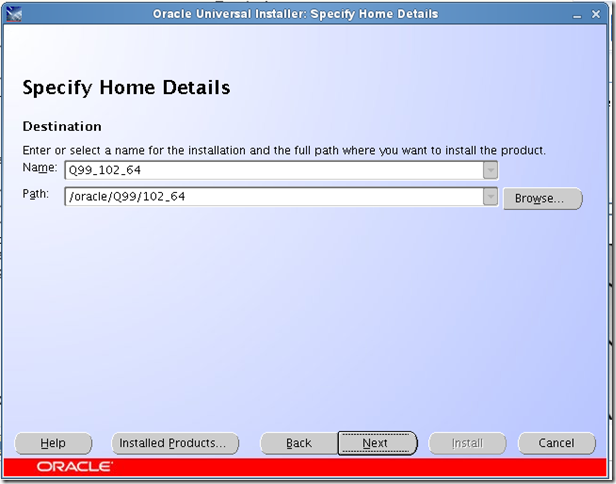
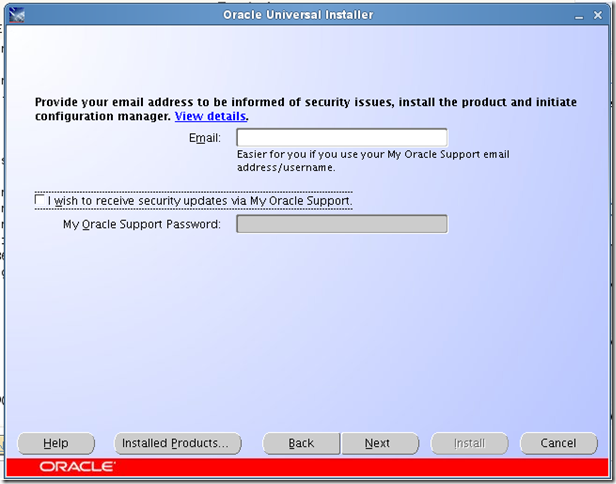
    安装数据库一路下一步即可。

    clip_image051

    clip_image052

    clip_image053


    安装完成后版本为10.2.0.4,sap需要10.2.0.5才可以。
    参考sap note 1027012说明如下


    For the installation, note the exact installation instructions from the patch README.

    1. For each Oracle patch set release or patch set update release, you must first create a separate patch base directory .


    For example:

    OS> mkdir patches.11201 (for Release 11.2.0.1)

    OS> mkdir patches.10204 (for Release 10.2.0.4)

    2. Copy the patch to be installed to the base directory and unpack it there (for example, using zip or winzip) in the directory .

    3. Stop all Oracle processes and Oracle services that were started from within the affected Oracle Home.

    4. Before installing the patch, you should save the Oracle Home and the Oracle inventory.

    5. Open a command prompt or a PowerShell.

    (Windows Server 2008/Windows Server 2008 R2: 'elevated mode'/run as administrator)


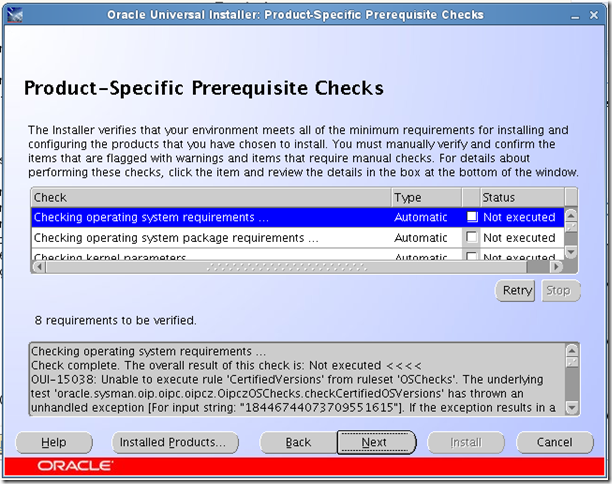
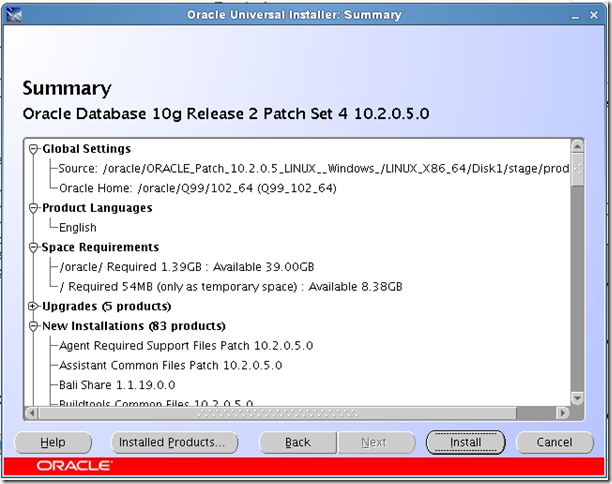
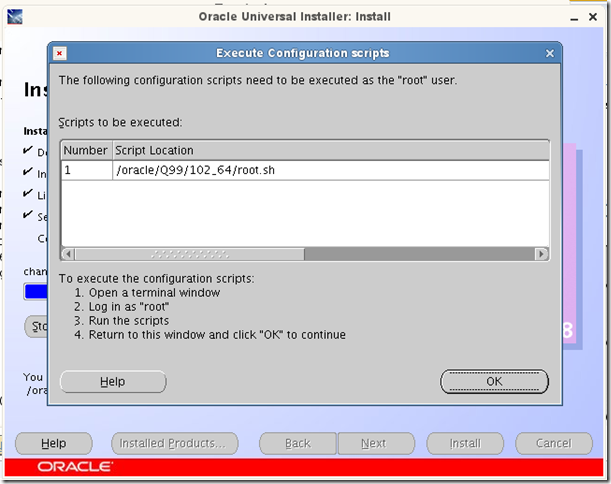
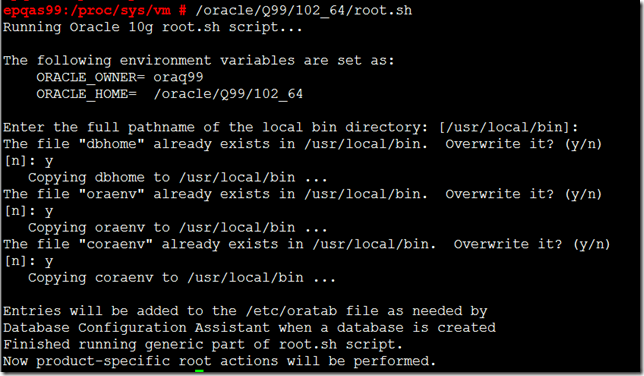
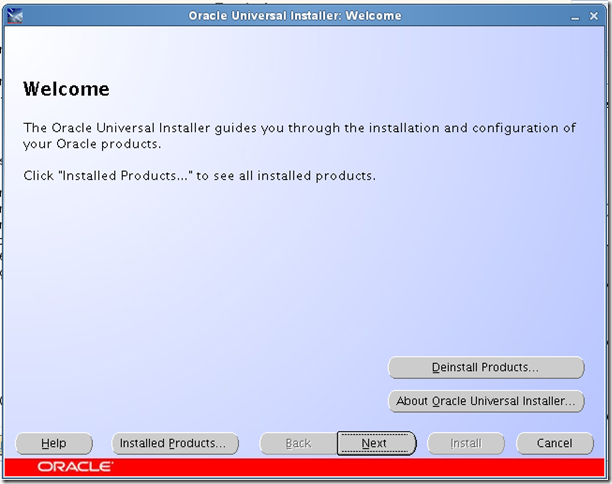
    升级数据库到10.2.0.5,过程如下。
    clip_image073


    clip_image074


    clip_image075

    clip_image076

    clip_image077

    clip_image078

    clip_image079


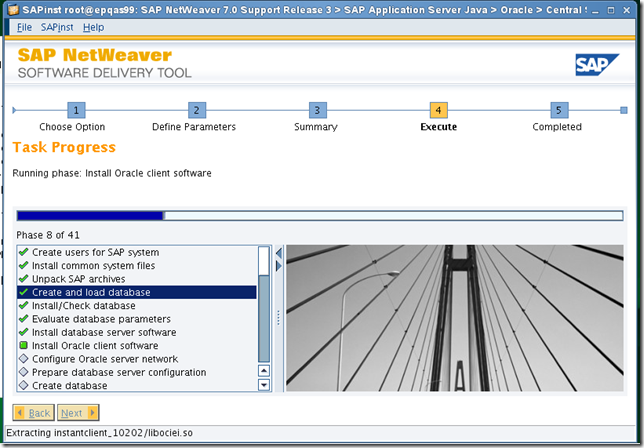
    数据库安装完成回到sap安装界面,点击OK

    clip_image080


    clip_image082


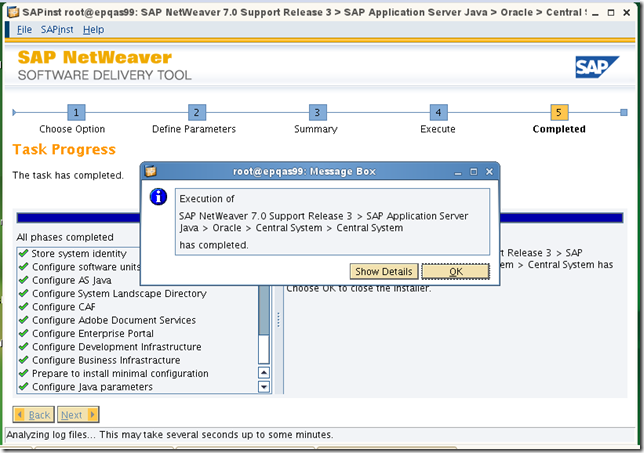
    安装完成

    clip_image094


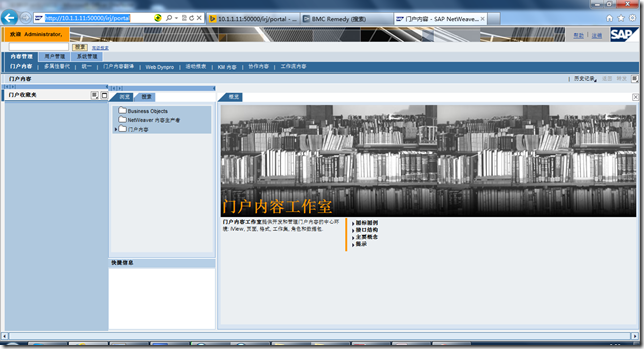
    使用以下地址访问测试


    http://10.1.1.11:50000/irj/portal

    访问成功
    clip_image095


    安装完成。

请使用浏览器的分享功能分享到微信等