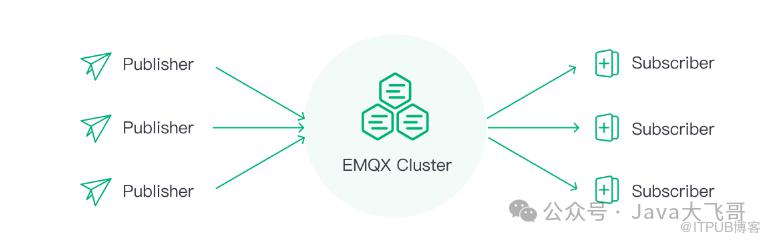
1.EMQX是什么?
2.Docker方式安装部署及配置
2.1Docker部署redis
docker run --privileged=true -d --name=redis -p 6379:6379 --restart=always -v D:\redis\data:/data -v D:\redis\conf:/usr/local/etc/redis -v D:\redis\log:/var/log/redis redis --appendonly yes --requirepass 123456
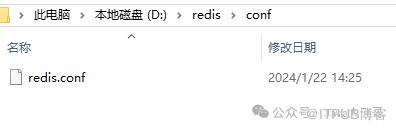
redis.conf挂载文件内容如下:
# bind 192.168.1.100 10.0.0.1
# bind 127.0.0.1 ::1
bind 0.0.0.0

protected-mode yes
port 6379
tcp-backlog 511
requirepass 123456
timeout 0
tcp-keepalive 300
daemonize no
supervised no
pidfile /var/run/redis_6379.pid
loglevel notice
logfile ""
databases 30
always-show-logo yes
save 900 1
save 300 10
save 60 10000
stop-writes-on-bgsave-error yes
rdbcompression yes
rdbchecksum yes
dbfilename dump.rdb
dir ./
replica-serve-stale-data yes
replica-read-only yes
repl-diskless-sync no
repl-disable-tcp-nodelay no
replica-priority 100
lazyfree-lazy-eviction no
lazyfree-lazy-expire no
lazyfree-lazy-server-del no
replica-lazy-flush no
appendonly yes
appendfilename "appendonly.aof"
no-appendfsync-on-rewrite no
auto-aof-rewrite-percentage 100
auto-aof-rewrite-min-size 64mb
aof-load-truncated yes
aof-use-rdb-preamble yes
lua-time-limit 5000
slowlog-max-len 128
notify-keyspace-events ""
hash-max-ziplist-entries 512
hash-max-ziplist-value 64
list-max-ziplist-size -2
list-compress-depth 0
set-max-intset-entries 512
zset-max-ziplist-entries 128
zset-max-ziplist-value 64
hll-sparse-max-bytes 3000
stream-node-max-bytes 4096
stream-node-max-entries 100
activerehashing yes
hz 10
dynamic-hz yes
aof-rewrite-incremental-fsync yes
rdb-save-incremental-fsync yes
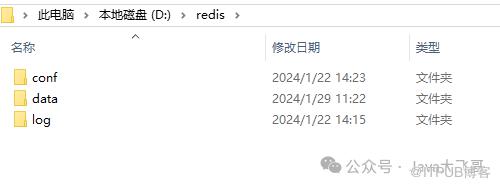
挂载文件路径:
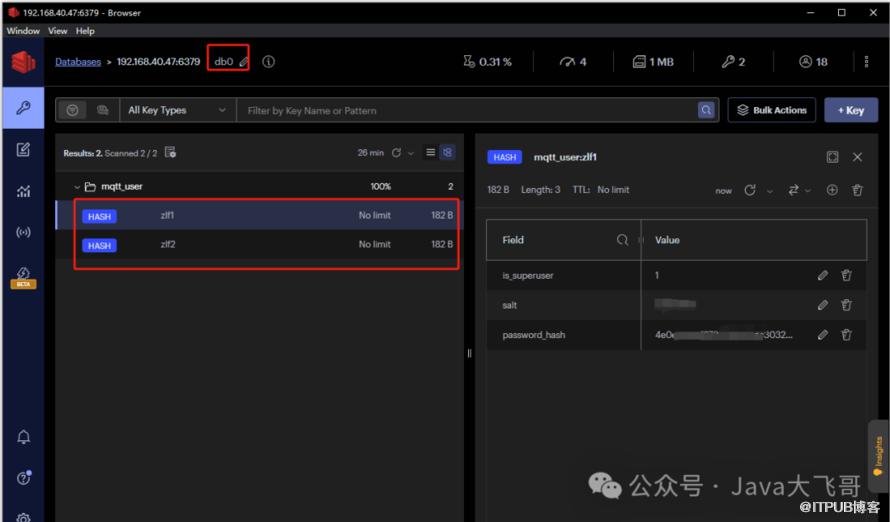
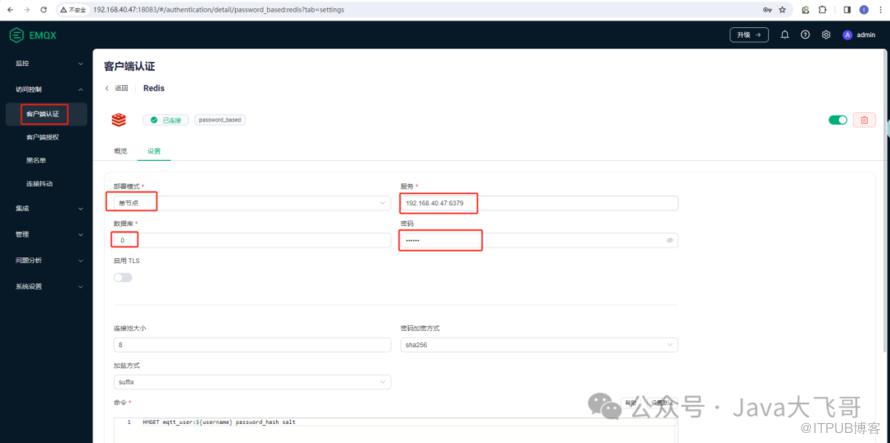
#redis方式认证:
https://www.emqx.io/docs/zh/v5.2/access-control/authn/redis.html
HSET mqtt_user:zlf1 is_superuser 1 salt 盐值 password_hash 密码加盐sha256密文
HSET mqtt_user:zlf2 is_superuser 1 salt 盐值 password_hash 密码加盐sha256密文
sha256hash在线加盐加密,用于生成sha256hash加盐加密的密码:
https://www.bchrt.com/tools/sha256hash/
2.2部署EMQX
docker run -d --name emqx -p 1883:1883 -p 8083:8083 -p 8084:8084 -p 8883:8883 -p 18083:18083 emqx/emqx:5.4.1
docker run -d --name emqx \
  -p 1883:1883 -p 8083:8083 \
  -p 8084:8084 -p 8883:8883 \
  -p 18083:18083 \
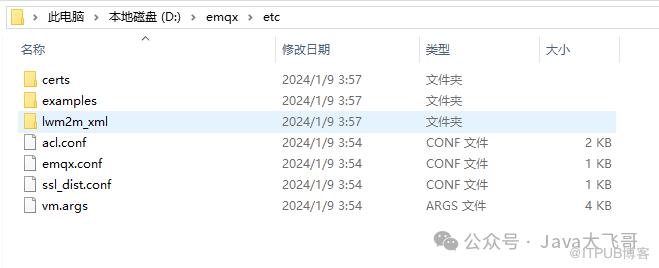
  -v $PWD/etc:/opt/emqx/etc \
  -v $PWD/data:/opt/emqx/data \
  -v $PWD/log:/opt/emqx/log \
  emqx/emqx:5.4.1
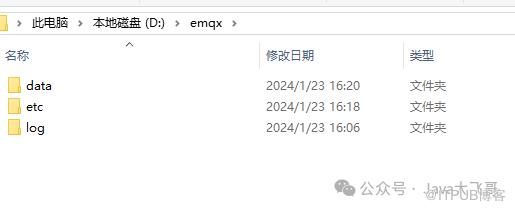
docker run -d --name emqx -p 1883:1883 -p 8083:8083 -p 8084:8084 -p 8883:8883 -p 18083:18083 -v D:\emqx\etc:/opt/emqx/etc -v D:\emqx\data:/opt/emqx/data -v D:\emqx\log:/opt/emqx/log emqx/emqx:5.4.1
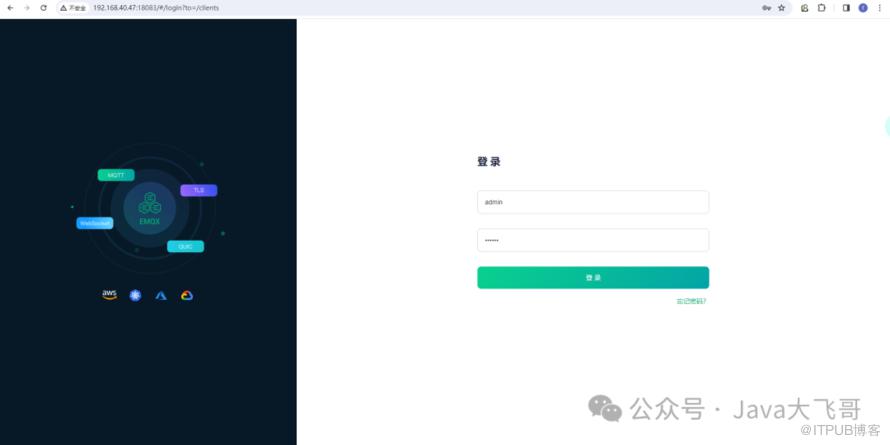
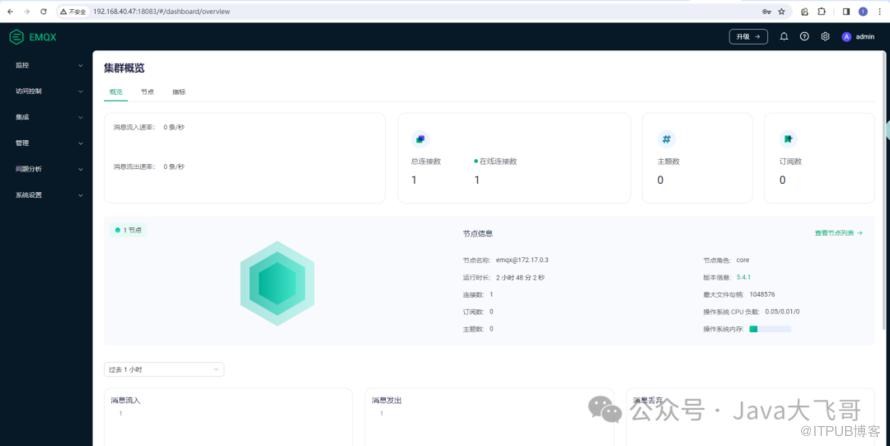
2.3访问首页
http://localhost:18083/(localhost 可替换为您的实际 IP 地址)以访问 EMQX Dashboard 管理控制台,进行设备连接与相关指标监控管理。
默认用户名及密码:
账号:admin
密码:public
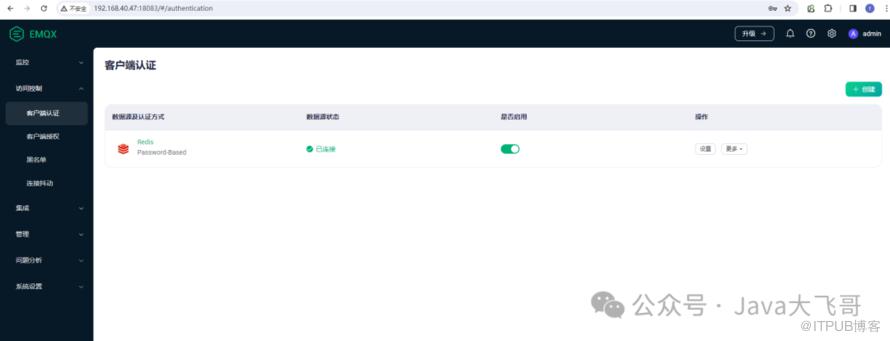
2.4添加客户端认证方式
3.相关文档链接
3.1官方文档
https://www.emqx.io/docs/zh/v5.2/
3.2MQTTX客户端下载地址
https://mqttx.app/zh
https://mqttx.app/zh/downloads
3.3关于MQTT的一切
http://www.emqx.io/online-mqtt-client#/help
3.4MQTT教程
https://www.emqx.com/zh/mqtt-guide?utm_source=mqttx-web&utm_medium=referral&utm_campaign=mqttx-web-help-to-learn-mqtt
3.5下载地址
https://www.emqx.io/downloads?os=Docker
3.6Kubernetes部署文档
https://docs.emqx.com/zh/emqx-operator/latest/getting-started/getting-started.html
4.MQTTX客户端
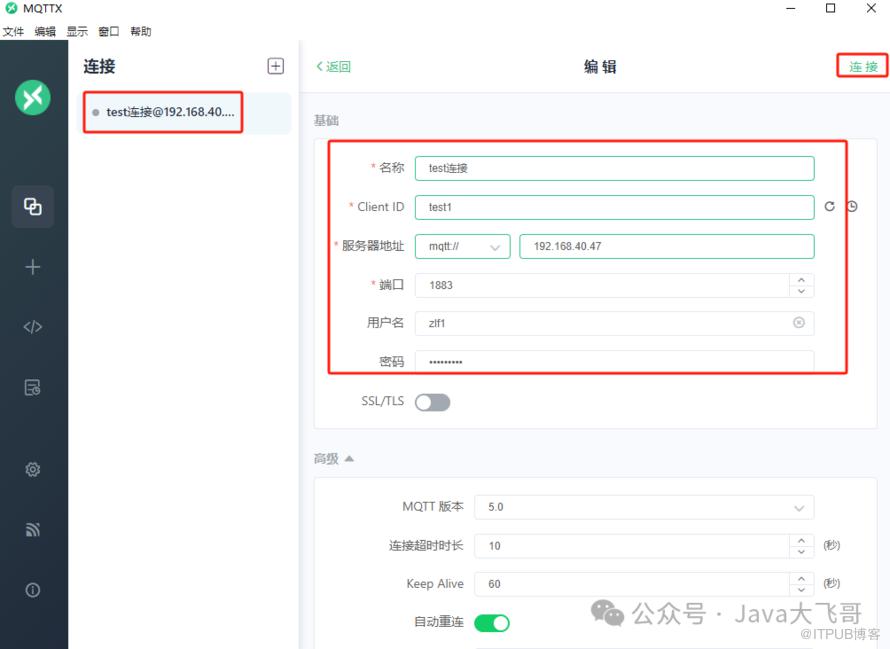
4.1新建连接
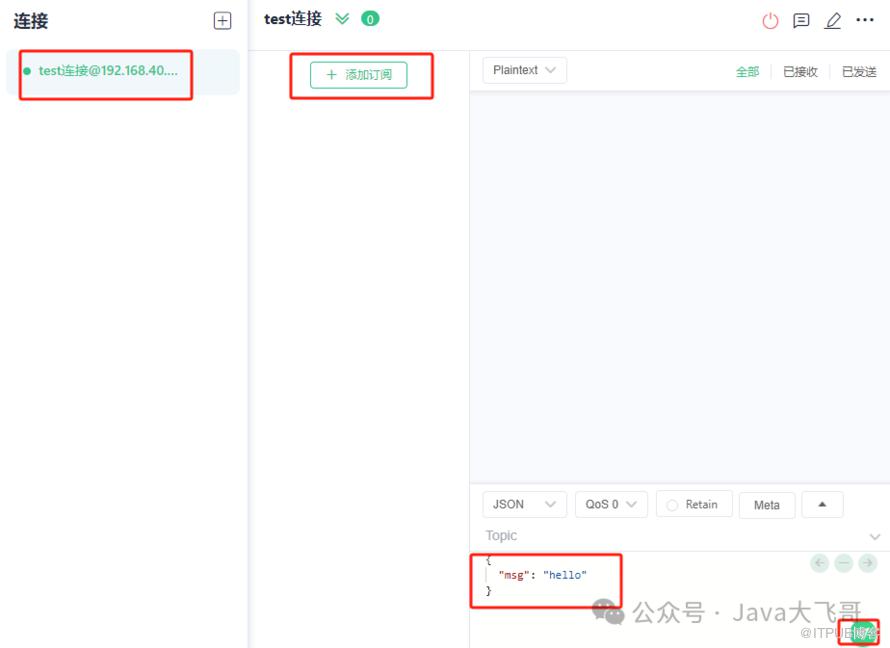
4.2已连接
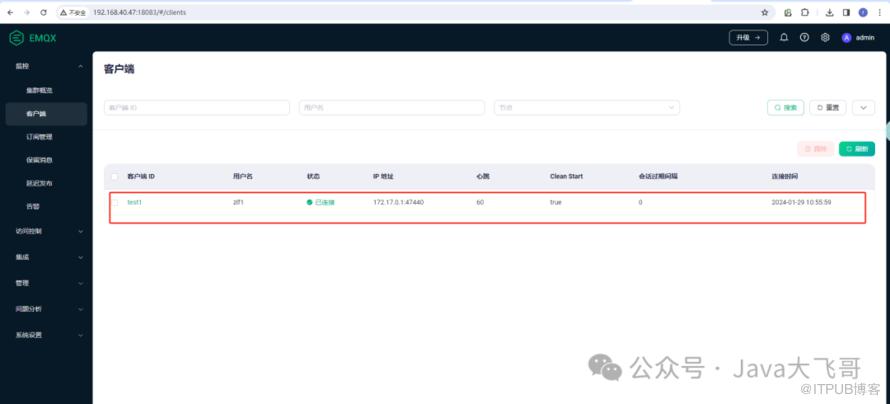
4.3服务端的客户端连接